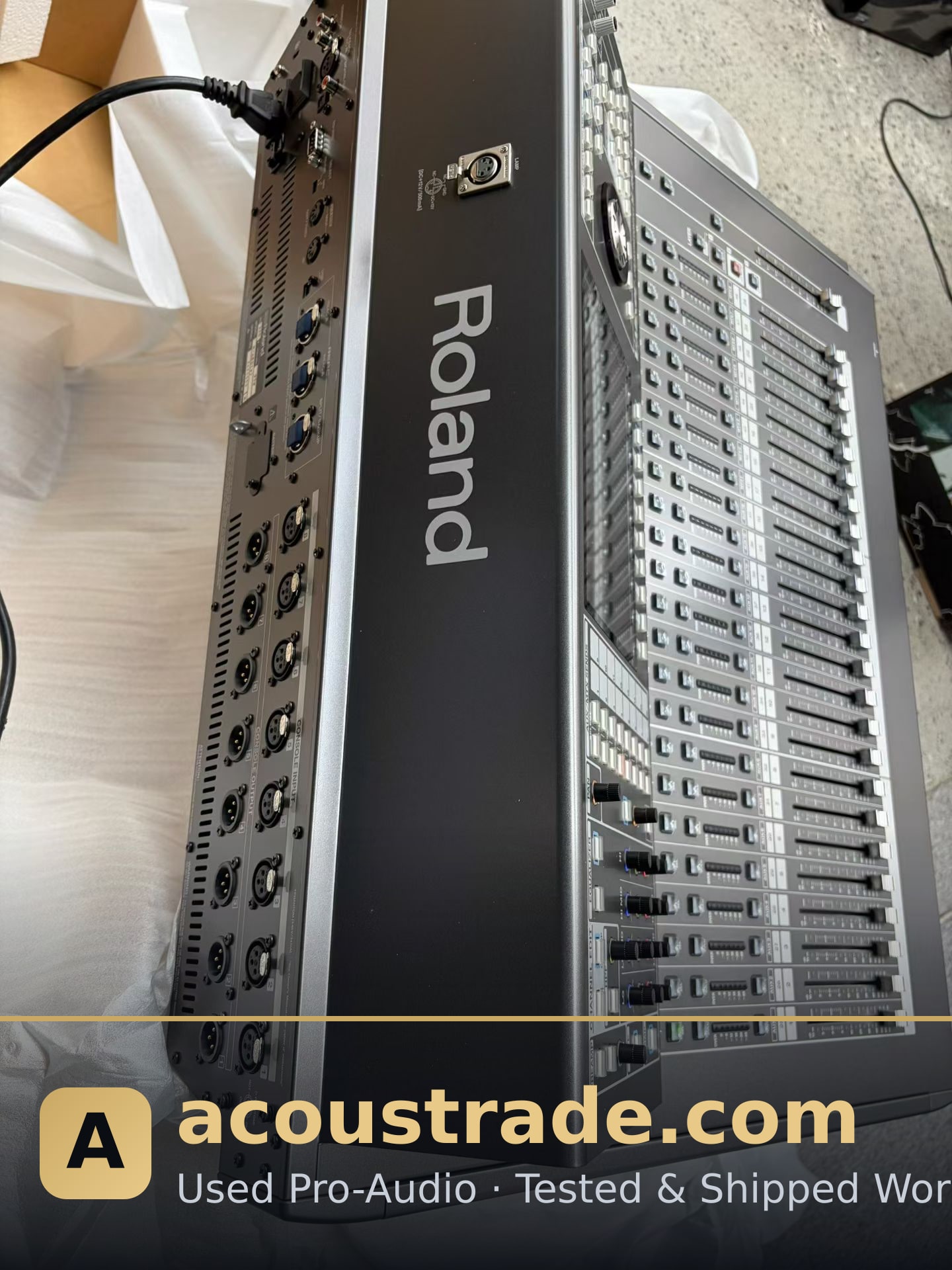
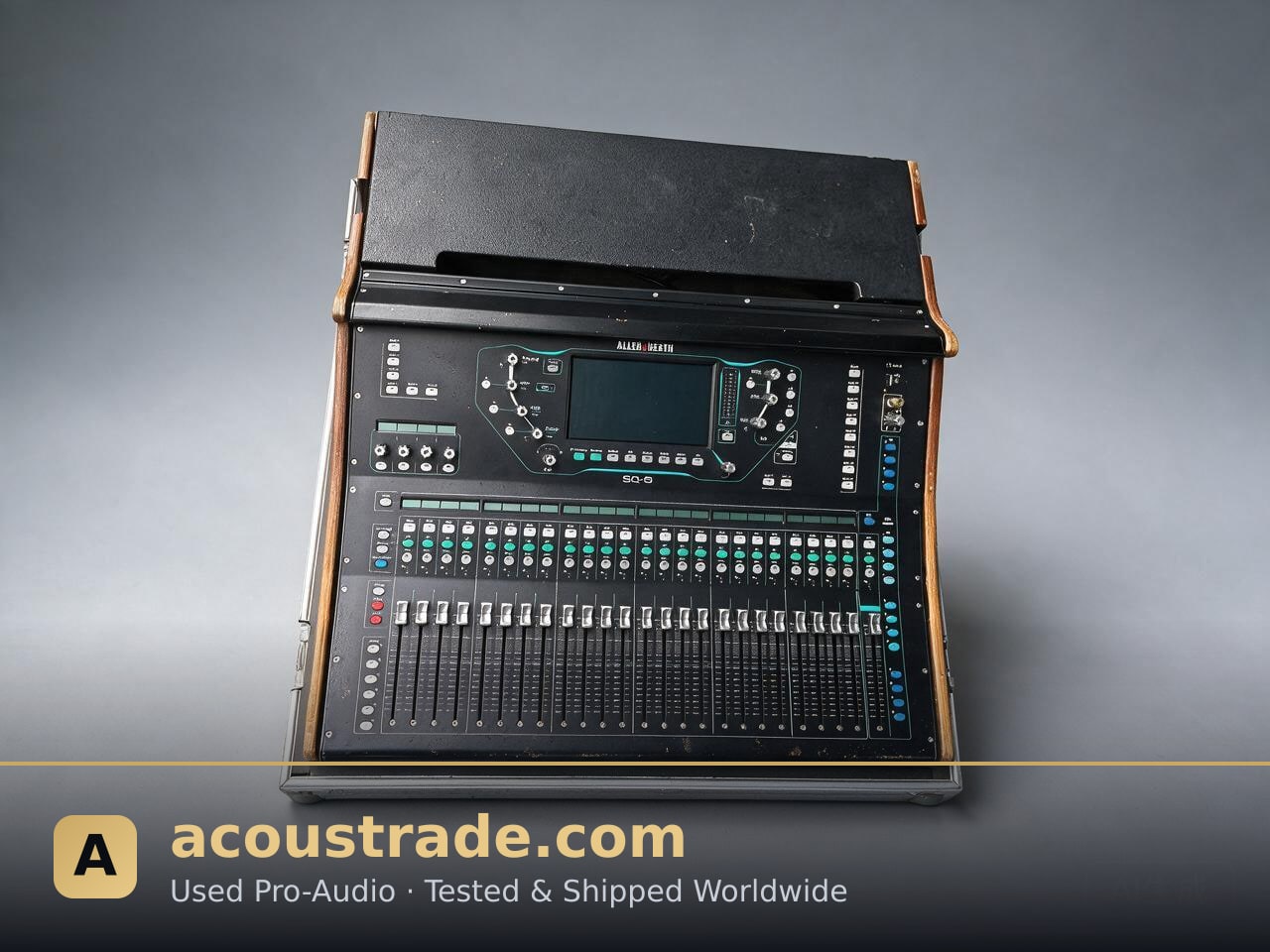
Why a Used Digital Console Makes Sense
Digital mixing consoles have become the standard for live sound, houses of worship, clubs, and touring. But new flagship desks can cost tens of thousands of dollars. A used digital console lets you access professional-grade processing, scene recall, and networked audio at a fraction of the retail price.
For venue investors and AV integrators, the second-hand market is not a compromise — it is a strategic way to allocate budget toward speakers, amplifiers, and acoustics while still getting reliable digital control.
What to Look For in a Used Digital Console
Not every second-hand desk is a good deal. Evaluate these points before buying:
- Channel count and bus structure: Match the console to your input list. A 32-channel desk with 16 buses covers most small-to-mid venues.
- Firmware and software support: Check whether the manufacturer still releases updates. Older models may lack modern Dante or AES67 networking.
- Motorized faders and touchscreens: These are the most common failure points. Test every fader and screen.
- I/O expansion: Confirm that stage boxes, Dante cards, or option slots are available and functional.
- Service history: Ask for maintenance records. A desk used in a fixed installation often shows less wear than a touring unit.
Popular Used Digital Console Models
Certain consoles appear frequently on the second-hand market because they are reliable and widely supported:
- Yamaha CL/QL series: Industry-standard reliability, excellent scene management, and strong resale value.
- Behringer X32 / Midas M32: Affordable, widely used in clubs and churches, with abundant spare parts.
- Allen & Heath dLive / SQ: Strong for both touring and installation, with good expandability.
- DiGiCo SD series: High-end touring desks that occasionally appear at accessible prices.
When buying, always verify the model's current firmware version and whether the manufacturer still services it.
Integrating a Used Console Into Your Venue
A used digital console is only as good as its integration. Consider these practical steps:
1. Plan your signal flow before the console arrives — stage boxes, network switches, and monitor paths.
2. Update firmware to the latest stable release, but back up the current configuration first.
3. Test with your actual sources — microphones, playback, and wireless systems — not just a test tone.
4. Train your operators on scene recall and show files, since digital workflows differ from analog.
If you are building a full system, pair the console with tested used amplifiers, used speakers, and used microphones from a supplier that verifies every unit before shipping.
Buying Used: What to Ask the Seller
A reputable seller will answer these questions without hesitation:
- What is the exact model, revision, and firmware version?
- Was the console used in a fixed installation or on tour?
- Are all faders, encoders, and screens fully functional?
- Does it include the power supply, dust cover, and original packaging?
- What is the warranty or return policy?
At Acoustrade, every console is tested and documented before it leaves our warehouse, so you know exactly what you are integrating.
FAQ
Q: Is a used digital console reliable enough for a professional venue?
A: Yes, if it is tested and from a reputable model line. Many venues run second-hand consoles for years with proper maintenance.
Q: How much can I save buying used instead of new?
A: Savings vary by model and condition, but used digital consoles typically cost significantly less than new units. Ask your supplier for a current quote.
Q: Can I get spare parts for a discontinued console?
A: It depends on the brand. Popular models like the Yamaha CL/QL and Behringer X32 have broad parts availability. Always confirm before buying.
Q: Do used consoles come with a warranty?
A: Policies vary. Acoustrade offers tested units with clear condition reports; ask for the specific warranty terms for your model.
Q: Can you help with installation and training?
A: Many suppliers, including Acoustrade, can advise on integration. For on-site work, coordinate with a local AV integrator.