What Is a Digital Mixing Console?
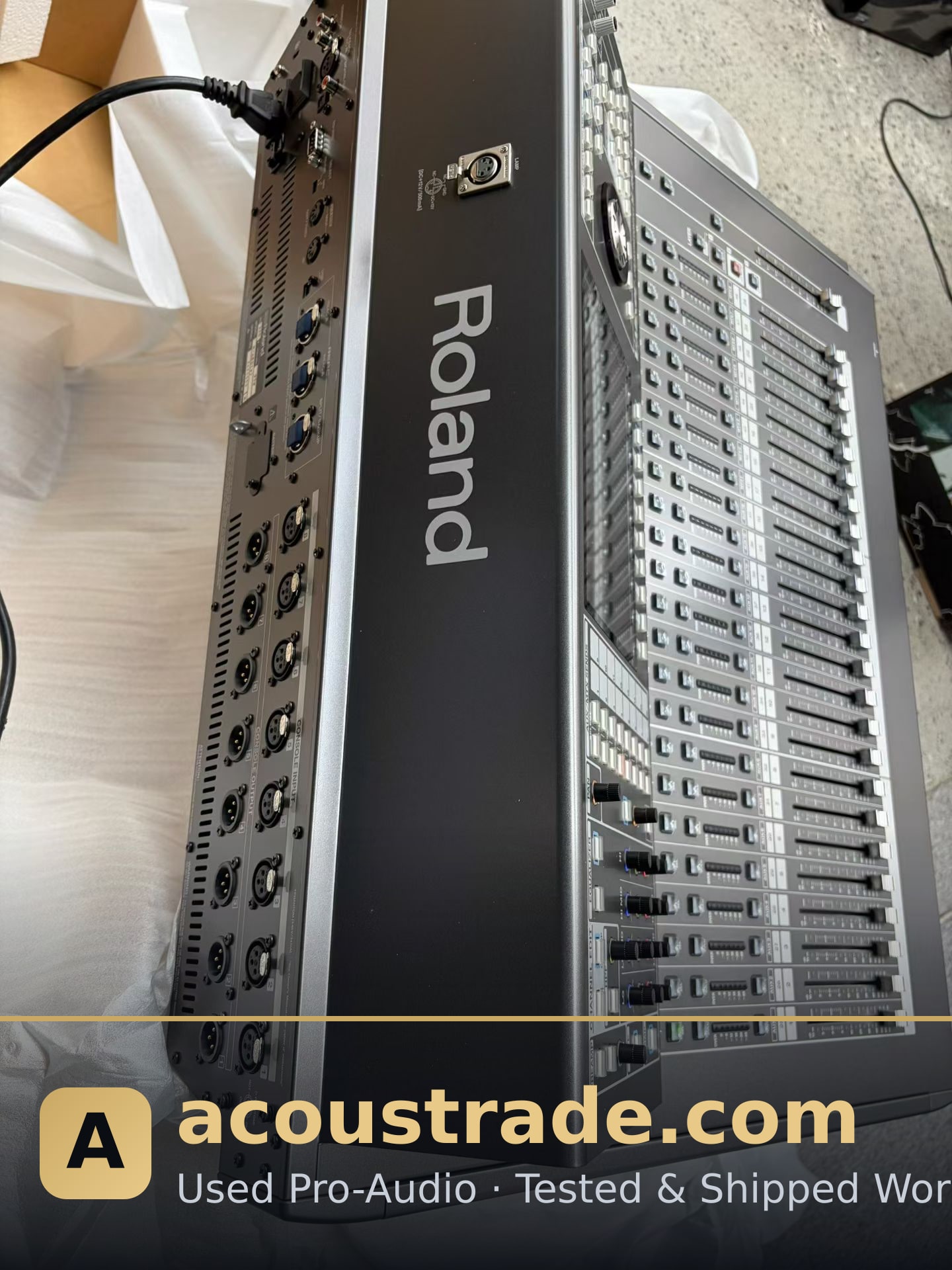
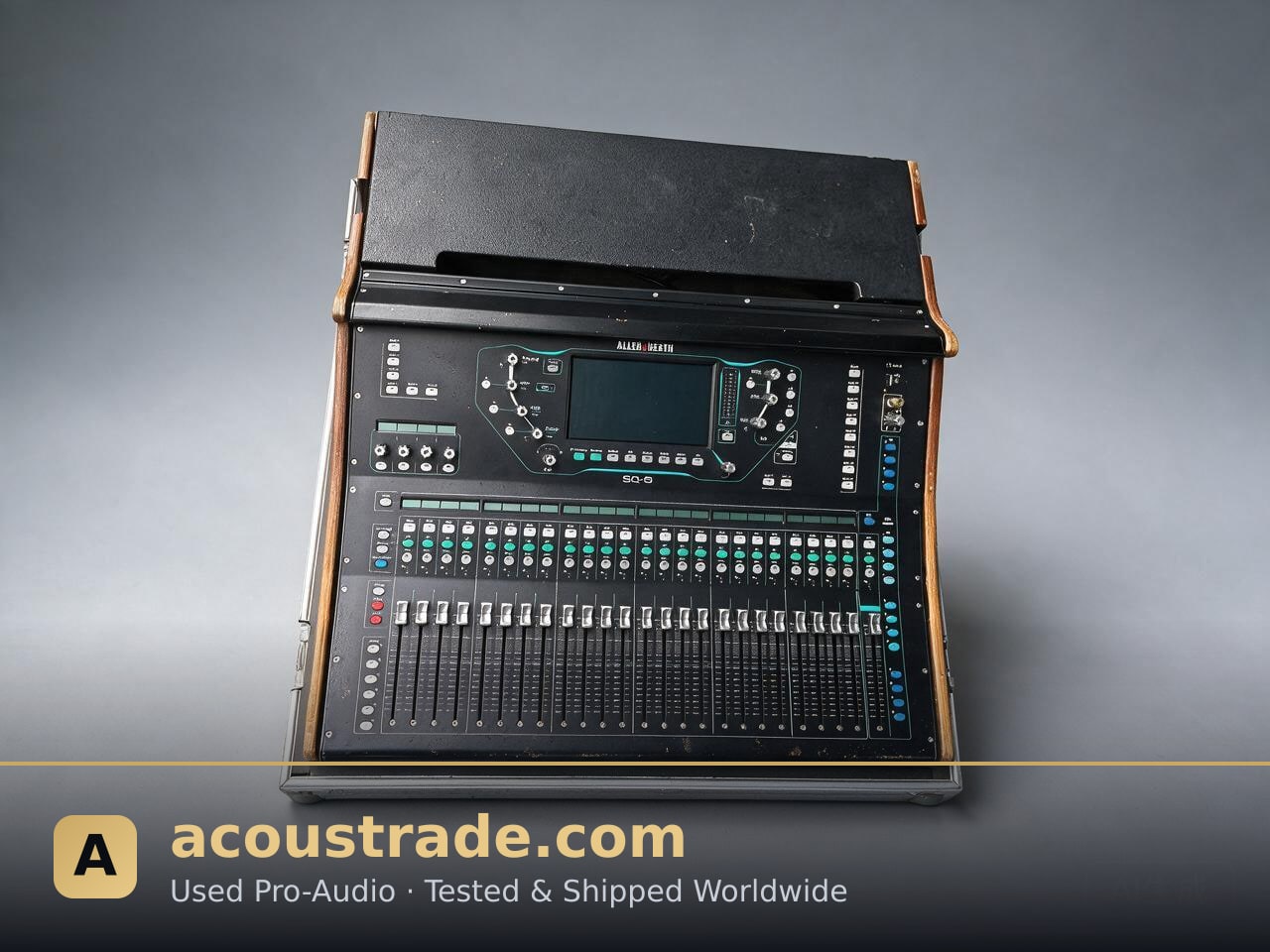
A digital mixing console (often called a digital desk) processes audio signals in the digital domain. Instead of analog circuits, it uses DSP (digital signal processing) to route, EQ, compress, and mix multiple inputs to a stereo or multi-channel output. This makes it ideal for venues that need flexible routing, scene recall, and compact footprints.
For KTV venues, clubs, live stages, and houses of worship, a digital console replaces racks of outboard gear and lets operators save presets for different events. If you are equipping a venue on a budget, tested used digital consoles from brands like Yamaha, Midas, and Behringer offer professional features at a fraction of new prices.
Key Features to Evaluate
When comparing digital consoles, focus on these specs:
- Input/output count: Match channel count to your stage or KTV room requirements. Small venues may need 16–24 inputs; larger clubs often need 32–48.
- Preamps and converters: Quality mic preamps and AD/DA converters affect noise floor and clarity.
- Scene and preset memory: Essential for repeatable setups in multi-purpose rooms.
- Expansion and networking: Dante, AES50, or stage boxes let you scale without replacing the desk.
- Control surface: Faders, touchscreens, and tablet apps determine how fast operators can work.
- Reliability and serviceability: Check parts availability and firmware support, especially for used units.
Digital vs. Analog: Which Fits Your Venue?
Analog consoles are simple and immediate, but digital desks win on flexibility and space. A single digital console can handle monitors, FOH, and recording simultaneously. For AV integrators, digital is easier to integrate with networked audio and control systems.
That said, analog still suits small bars or simple KTV setups where operators prefer tactile controls and minimal menus. The right choice depends on your workflow, staff skill level, and future expansion plans.
Buying Used Digital Consoles: What to Check
Buying second-hand can cut costs significantly, but you must verify condition. Look for:
- Tested functionality: All faders, encoders, and I/O should be tested, not just powered on.
- Firmware and software: Confirm the console runs a stable, current firmware version.
- Physical condition: Check for liquid damage, worn faders, and cracked screens.
- Accessories: Power supplies, dust covers, and stage boxes are often sold separately.
- Support: Ask about warranty, return policy, and technical documentation.
Acoustrade supplies tested used pro-audio equipment, including digital mixing consoles, amplifiers, speakers, line arrays, and microphones, with clear condition reports for integrators and venue investors.
Matching Consoles With the Rest of Your System
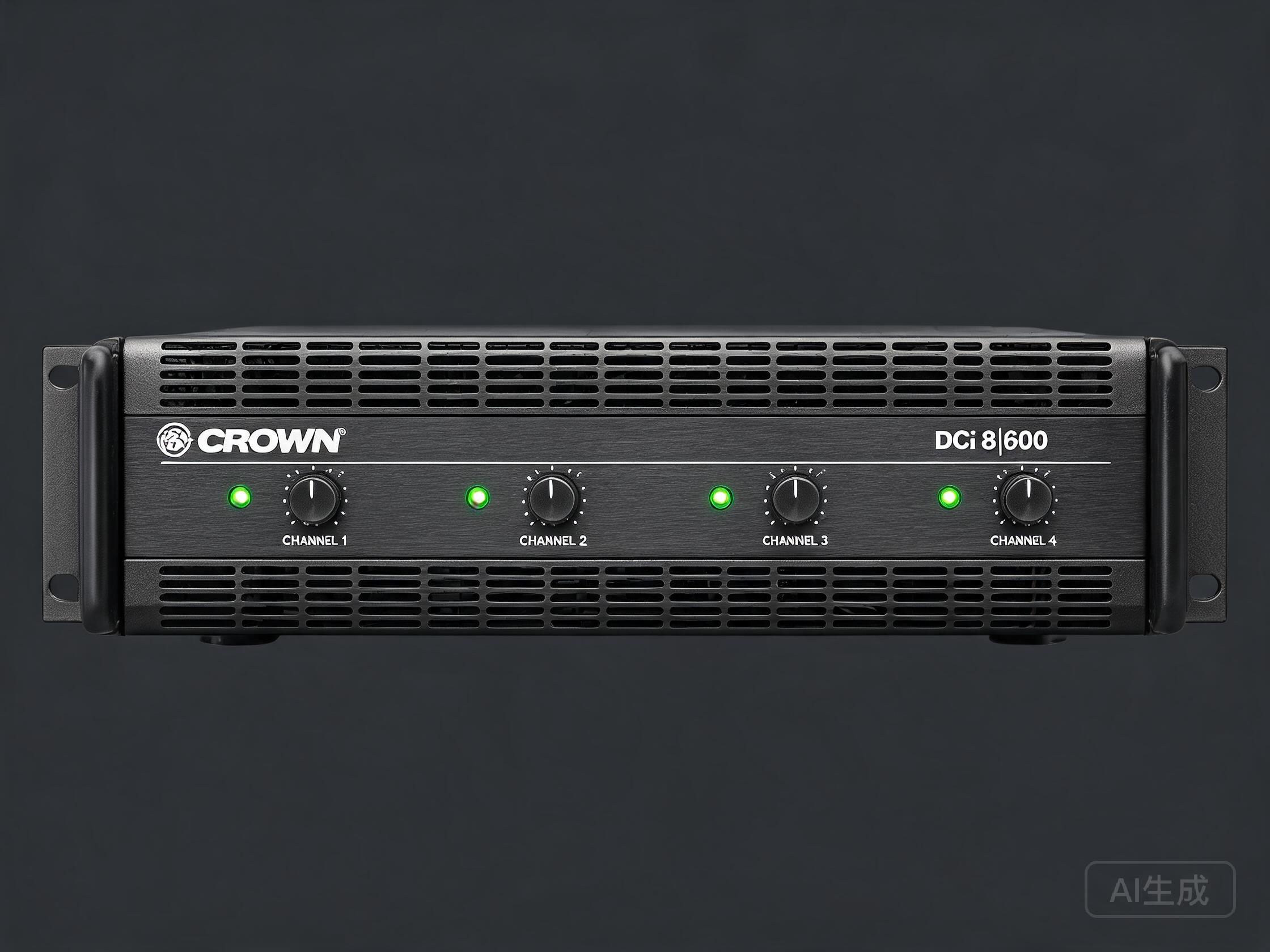
A digital console is one part of a signal chain. Pair it with compatible amplifiers, passive or active speakers, and microphones to avoid impedance or level mismatches. For KTV rooms, a compact digital console plus a reliable amplifier and vocal microphones covers most needs. For live venues, consider a line array system and a console with enough matrix outputs for monitors and delays.
If you are building a full system, source components from one supplier to simplify compatibility checks and after-sales support.
FAQ
Q: Is a used digital mixing console reliable?
A: Yes, if it has been properly tested. Ask for a condition report covering faders, I/O, and firmware. Reputable suppliers test each unit before shipping.
Q: How many inputs do I need for a KTV venue?
A: Most KTV rooms need 8–16 inputs for microphones and playback. Larger venues with live bands may need 24–48.
Q: Can I use a digital console for both live sound and recording?
A: Many digital consoles support multitrack recording via USB or network cards. Check the model's recording capabilities before buying.
Q: What brands should I look for?
A: Yamaha, Midas, Behringer, Allen & Heath, and Soundcraft are common in used markets. Availability varies, so confirm stock with your supplier.
Q: Do digital consoles need special training?
A: Basic operation is learnable in a few sessions, but advanced routing and scene management benefit from training. Many manufacturers offer free tutorials.