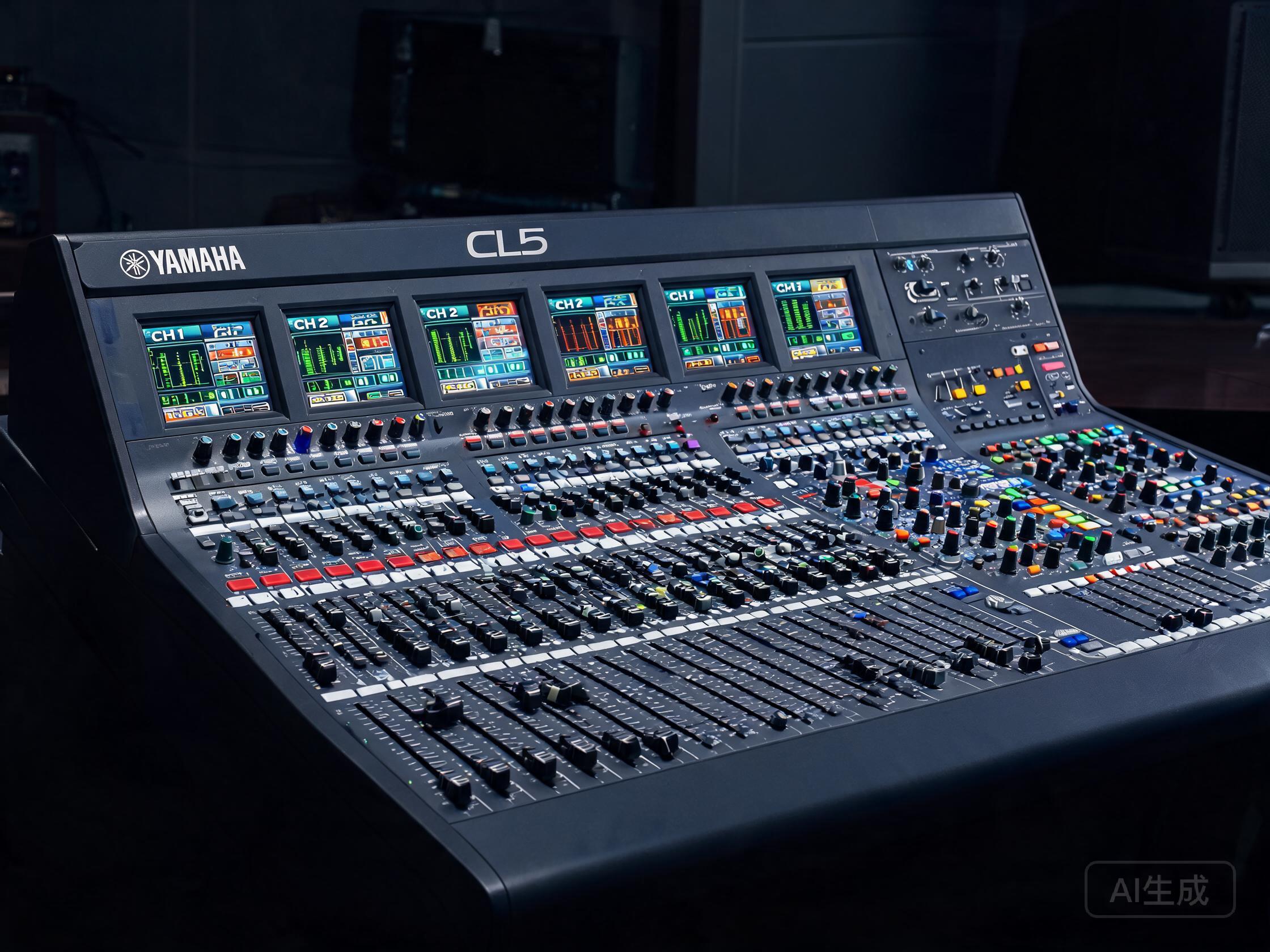
Why the QSC TouchMix-16 Pro Fits a Bar Environment
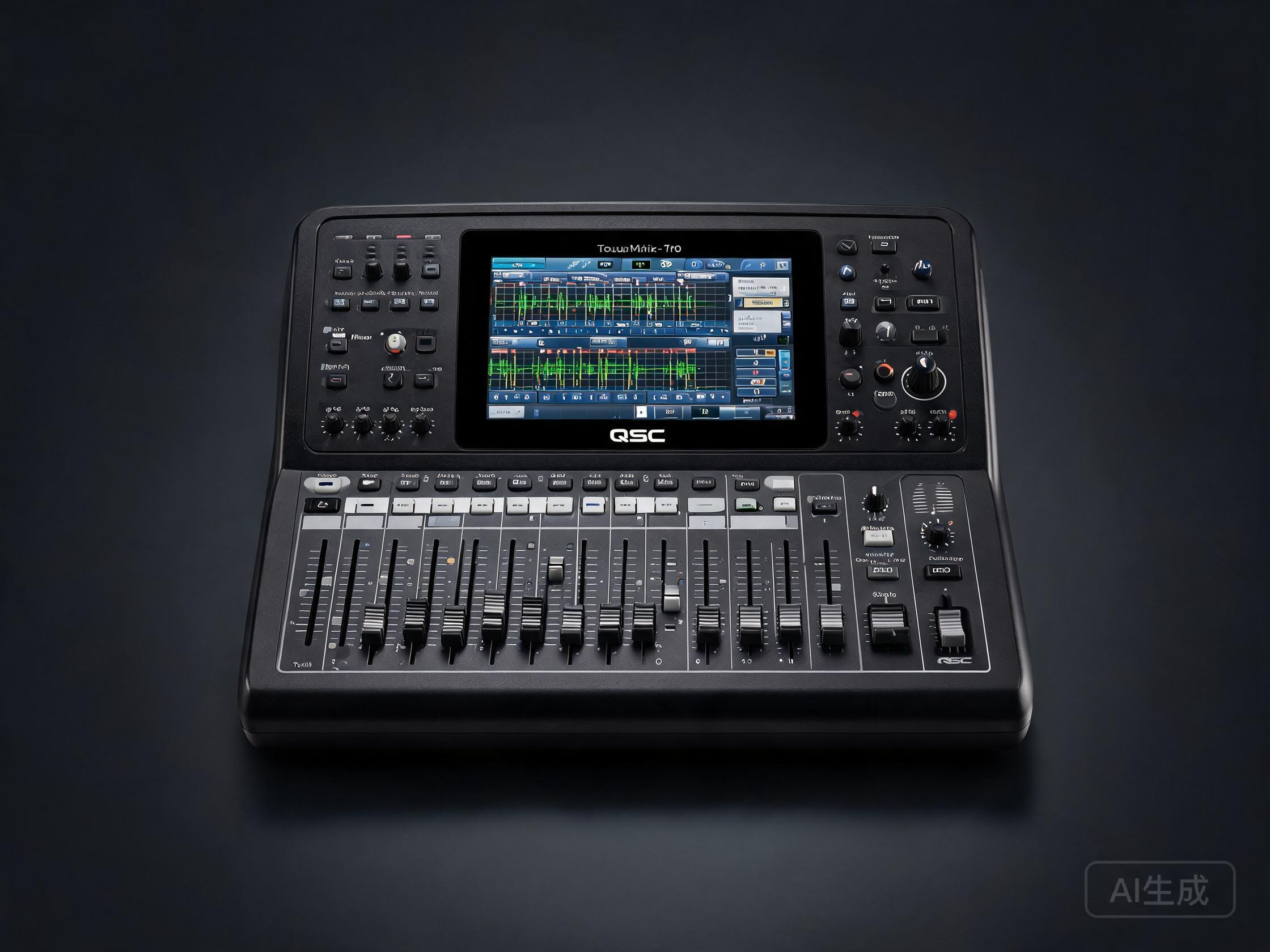
A bar is a tough room for audio. Space is tight, staff turnover is high, and the mixer often has to be operated by whoever is on shift — not a trained sound engineer. The QSC TouchMix-16 Pro was designed for exactly this kind of environment: a compact, tablet-style digital mixer with a touchscreen interface that a bartender or duty manager can learn in an evening.
Unlike a traditional analogue console with dozens of knobs, the TouchMix-16 Pro puts everything on a 10-inch touchscreen. That makes it a practical choice for bars running live acoustic acts, DJ nights, small bands, or KTV rooms where the operator changes nightly.
Key Features That Matter Behind the Bar
- 16 input channels — enough for a four-piece band plus DJ and background music, with headroom to spare.
- Touchscreen control — no need to remember which knob does what; gain, EQ and effects are all on screen.
- Built-in effects and presets — reverb, delay and channel presets let you get a usable mix fast.
- Wireless control via tablet — the operator can walk the room and adjust the mix from the floor.
- Compact footprint — fits on a shelf or in a small rack where a full console would not.
- Recallable scenes — save a scene for "acoustic duo," "DJ night," and "KTV" and switch in seconds.
These are the reasons bars and small venues choose the TouchMix-16 Pro over larger, more complex consoles. It is a mixer that respects the reality of a working bar: limited space, limited time, and non-specialist operators.
Typical Bar Use Cases
Live music nights
A three- or four-piece band with vocals, guitar, bass, keys and drums fits comfortably within 16 channels. The TouchMix-16 Pro handles monitor mixes and front-of-house from one surface.
DJ and background music
DJs can run straight into stereo channels, while background music plays from a separate input. Scenes let you switch between the two without re-patching.
KTV and private rooms
For bars with KTV rooms, the TouchMix-16 Pro can manage microphones, backing tracks and effects, with presets that make vocals sit clearly above the music.
Multi-zone bars
If your bar has a main room and a terrace, the mixer's aux outputs can feed separate zones with independent level control.
Buying a Used QSC TouchMix-16 Pro: What to Check
A tested used unit is often the smartest route for a bar that wants professional capability without a new-equipment budget. When evaluating a second-hand TouchMix-16 Pro, check:
- Touchscreen responsiveness — the screen is the main interface; test every corner.
- All input channels — confirm each XLR and TRS input passes signal cleanly.
- Fader and encoder behaviour — ensure no drift or dead zones.
- Firmware version — confirm it is current and that the unit updates without errors.
- Power supply and connectors — inspect for damage or previous repairs.
- Scene recall — save and recall a scene to verify memory works.
At Acoustrade, we supply tested used mixers, amplifiers, speakers, line arrays and microphones to venues worldwide. Every unit is checked before it ships, and we can advise on matching a mixer to your existing PA.
Matching the Mixer to the Rest of Your Bar System
The TouchMix-16 Pro is only one part of a bar audio system. To get a reliable result, pair it with:
- Speakers appropriate to the room size — compact powered speakers for small bars, larger cabinets for bigger rooms.
- Amplifiers if you are running passive speakers.
- Microphones for vocals and KTV — dynamic mics are usually the most robust choice in a bar.
- Cabling and stage boxes to keep the signal path clean.
Buying the mixer, speakers and amplifiers from one supplier makes it easier to confirm compatibility and to get support if something needs replacing later.
FAQ
Q: Is the QSC TouchMix-16 Pro suitable for a small bar?
A: Yes. Its compact size and touchscreen control make it well suited to bars where space is limited and the operator is not a dedicated sound engineer.
Q: Can I control the TouchMix-16 Pro wirelessly?
A: Yes. The mixer supports wireless control from a tablet, which lets the operator adjust the mix from anywhere in the room.
Q: How many channels does the TouchMix-16 Pro have?
A: It has 16 input channels, which is enough for a small band, DJ setup, or KTV system with multiple microphones.
Q: Is a used TouchMix-16 Pro a good value for a bar?
A: A tested used unit can offer professional mixing capability at a lower cost than new equipment. The key is to buy from a supplier that tests every channel and the touchscreen before shipping.
Q: What else do I need to complete a bar audio system?
A: Typically speakers, amplifiers (if passive), microphones, and cabling. Acoustrade can supply these as a matched package with the mixer.